Managed Kubernetes
for Growing Applications
Run your applications while Hostman manages the Kubernetes control plane.
You configure worker resources, application scaling, and workload placement.
Worker Groups for Different Workloads
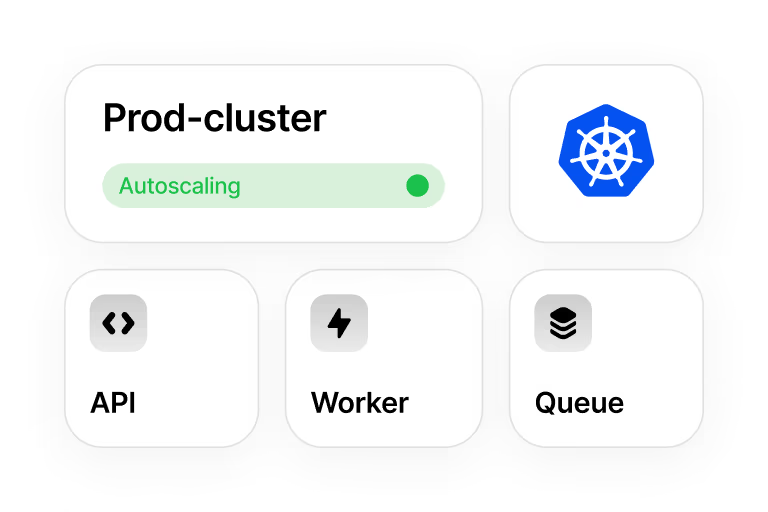
Use separate worker groups for API services and background jobs, with resources and scheduling rules suited to each workload.
Configuring
Choose a preset or configure CPU, RAM, and NVMe storage for each group. Use labels and taints with pod scheduling rules to control which workloads run on those nodes.

Autoscaling
Set a minimum and maximum worker-node count for each group. The autoscaler adjusts the number of nodes within those bounds. Configure application replica scaling separately with a HorizontalPodAutoscaler.

Autohealing
When enabled, Hostman checks worker-node health and attempts to restart an unresponsive node. If recovery attempts fail, Hostman recreates that worker node.
Choose Your Cluster
and Workers
Your cluster plan and worker nodes are billed by the hour. The configurator shows these two charges
and their combined total before you create a cluster.
1 × 3.3 GHz
2 GB
30 GB
1
1 × 3.3 GHz
2 GB
30 GB
1
2 × 3.3 GHz
2 GB
40 GB
1
2 × 3.3 GHz
4 GB
60 GB
1
4 × 3.3 GHz
8 GB
120 GB
1

Connect Kubernetes
to Your Hostman Services
Connect applications in your cluster to databases
and servers over a shared private network.
See What Needs Attention.
Plan Changes.
Monitoring and Diagnostics
Use the cluster panel for resource metrics and system logs, or connect metrics to your own monitoring setup.
Resource Monitoring
Check CPU and RAM usage, pod status, and container restarts. Filter the view by node or namespace to narrow your investigation.
System Logs
Filter Kubernetes system-component logs and download the displayed output for further analysis.
Prometheus Export
Connect to the cluster's Prometheus exporter through a public or private interface to use the metrics in your monitoring setup.
Cluster Changes
Choose when to apply changes and account for their effect on cluster operations.
Maintenance Window
Set when Hostman system updates may run. Updates can affect control-plane and worker nodes. Cluster management operations are blocked during updates.
Kubernetes Upgrades
Update to an available newer version immediately or at a scheduled time. Upgrades may affect cluster performance.
Control-Plane Resizing
Increase control-plane resources when you need a larger configuration. Applying the change reboots the control-plane node.
Configure Infrastructure and Access
Define cluster resources with Terraform, connect an identity provider, and install the components your applications need.


Add-ons
Install components from the catalog and configure them for your applications.