S3-Compatible
Object Storage in Europe
Store application files and backups in Frankfurt, Germany, using S3-compatible tools. You manage the files and access permissions. Hostman maintains and updates the storage infrastructure.
Storage for the Files Behind Your Apps
Media and User Uploads
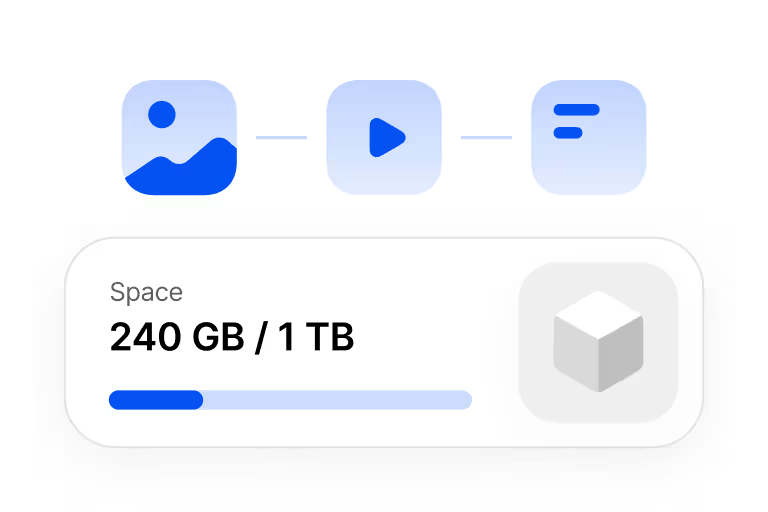
Store images, videos, and user uploads separately from your application servers. Expand storage as your file collection grows.
Backups and Logs
Keep backup archives and exported logs outside their source systems. Your backup and logging tools create and upload the files.
Static Files and Artifacts
Store site assets and CI/CD build artifacts in buckets your applications and development tools can access.
Upload Files and Control
Access to Your Bucket
Use an S3 client, an SDK, or the object manager to add files.
Choose how users and applications can read them.
S3 Clients
Upload and manage files in your bucket with AWS CLI, S3cmd, Cyberduck, or WinSCP.
Application SDKs
Work with objects in your bucket from your application using an SDK and the S3 API.
Object Manager
Upload files to your bucket through the built-in object manager in the Hostman panel.
Public or Private Buckets
Choose private access or public object reads. Change the bucket type after creation.
Custom Domains and SSL
Connect your domain with free SSL. Hostman renews the certificate automatically.
Bucket Pre-Orders
Reserve a bucket in Frankfurt, Germany. We'll create it when capacity is available
and start billing only after creation.
Data Storage and Replication
Three Synchronous Replicas
A write is acknowledged after all three replicas have been written. The replicas are separated by rack, and all data and replicas remain in Frankfurt, Germany.
Strong Consistency
PUT, overwrite, and DELETE operations are reflected in the latest object state and LIST results.
Recovery from Component Failure
If a disk, node, or one replica fails, reads and writes continue while the lost replica is restored in the background.
Compute for Your Application
Explore Hostman services for running the application that reads and writes your files.
App Platform
Deploy frontend and backend apps from Git or Docker without managing servers. Configure your code and app settings.
Cloud Servers
Virtual machines with full root access and NVMe storage. Choose a fixed plan or configure CPU, RAM, and storage.
Managed Kubernetes
Run container workloads with a Hostman-managed control plane. Configure worker groups and worker-node autoscaling.