Control Access
With Cloud Firewall
Choose which connections your cloud services accept and where they can send traffic. Manage your rules in the Hostman dashboard, with no additional charge.
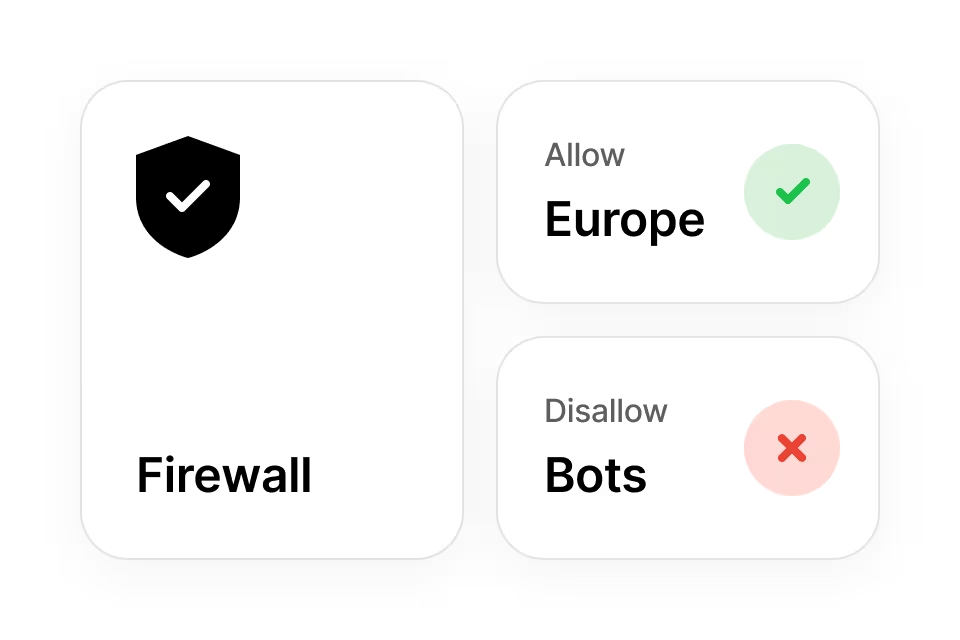
Manage Network Access in One Place
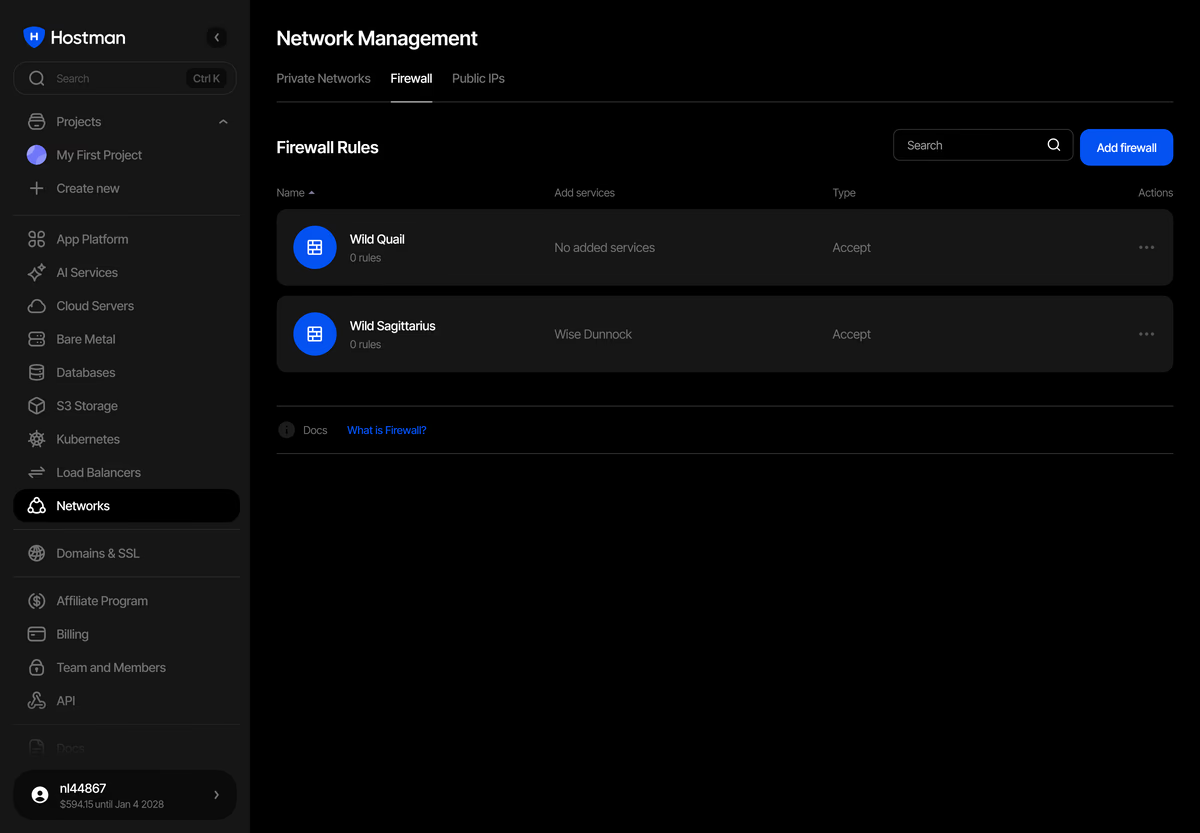
Configure Rules in the Dashboard
Set access rules without changing firewall settings inside the server OS. Manage them alongside your cloud resources.
Control Traffic in Both Directions
Choose which connections can reach your services and which destinations they can connect to. Set inbound and outbound rules independently.
Reuse Rules Across Services
Apply one rule group to several supported resources. Manage their shared access rules together in the dashboard.
Define Access for Each Workload
Apply Firewall Rules to Your Services
Cloud Servers
Virtual machines with full root access and NVMe storage. Choose a fixed plan or configure CPU, RAM, and storage.
App Platform
Deploy frontend and backend apps from Git or Docker without managing servers. Configure your code and app settings.
Managed Databases
Managed engines for app data, caching, analytics, search, and messaging. Hostman handles updates and maintenance.